
Sterna Mail
All your mail. None of the baggage.
Private email client for JMAP and IMAP/SMTP. No Google services, no tracking.
Get it on F-Droid Other ways to install
Free software under the GPLv3. No ads, no tracking, no Google services.
Named after the Arctic tern, which flies the longest migration of any animal. I liked the idea of mail that travels light and always finds its way home.
The protocol
Built for JMAP, fluent in IMAP
JMAP is the modern successor to IMAP. Instead of asking every folder what has changed, a single request brings back everything new, so mail arrives sooner and the battery lasts longer. Classic IMAP and SMTP work just as well, so no existing mailbox is ever out of reach.
Guarantees
What it does, and what it doesn't
No Google, no FCM
New mail is pushed from your own server to your phone over JMAP EventSource, IMAP IDLE or UnifiedPush. Play Services are never required.
Nothing watches you
No analytics, no advertising, no crash reporting, no third-party SDK. The app only connects to hosts you chose or that a message you received names, and the project has no server of its own to receive anything.
Remote content blocked
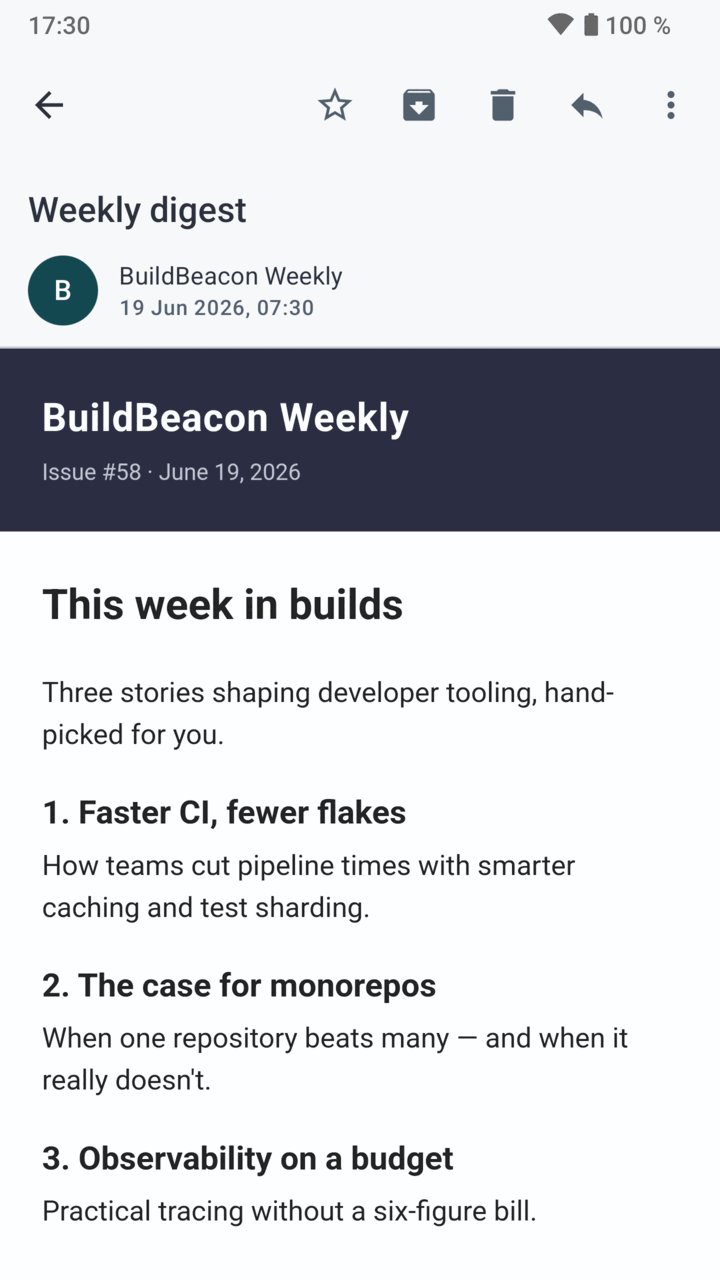
Remote images and tracking pixels stay unloaded until you ask for them, and tracking parameters can be stripped from links before they open.
Reproducible builds
F-Droid rebuilds each release from the published source and checks it byte for byte against the app it hands you. Anyone can read and audit that source.
In daily use
A complete mail client
Sterna Mail is a free, private email client for Android. It is built for JMAP, the modern successor to IMAP, and works just as well with any IMAP/SMTP provider.
Reading
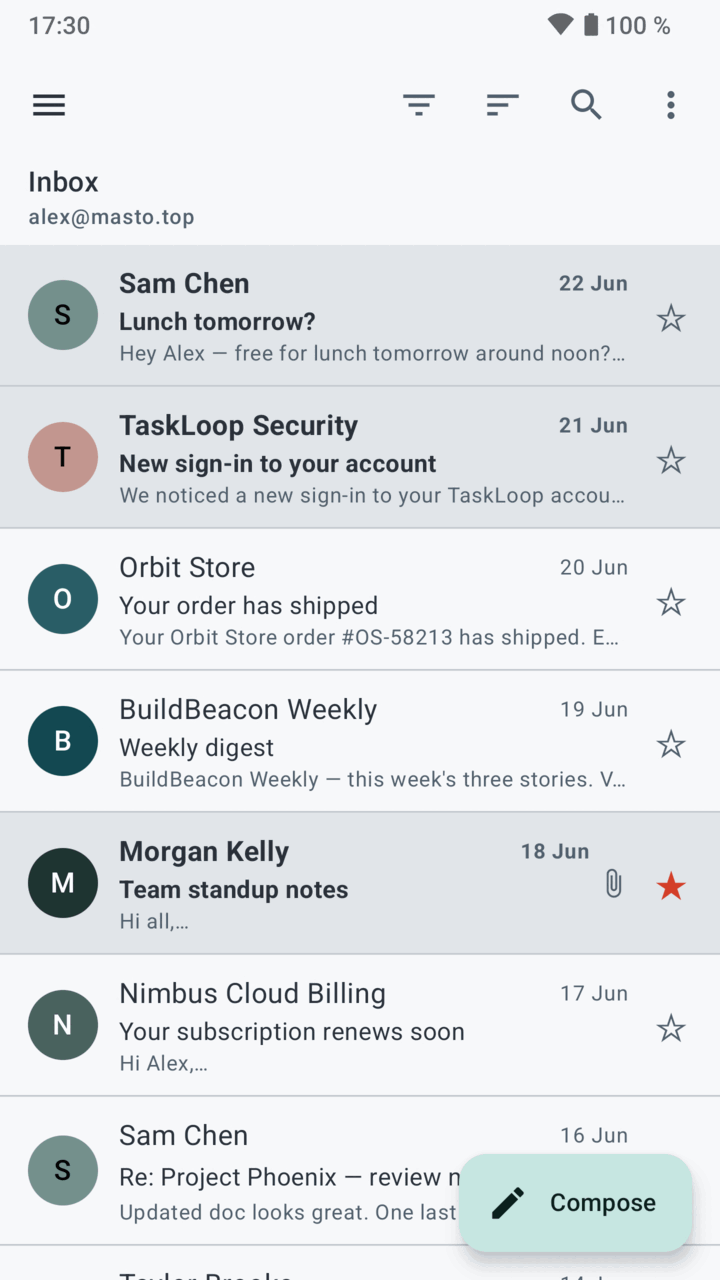
- Several accounts, JMAP and IMAP side by side, with a unified inbox that works offline
- Conversations, search as you type and snooze
Writing
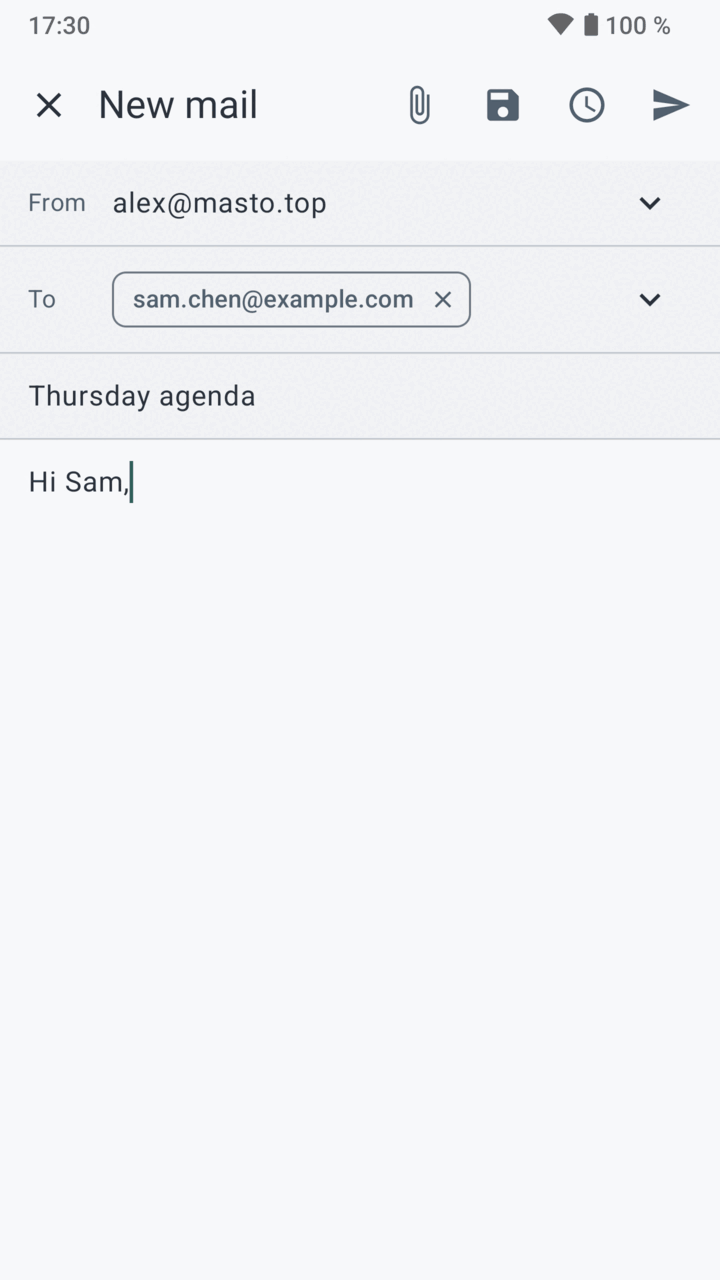
- Several identities, each with its own signature
- Undo send and scheduled send
Privacy and security
- OpenPGP encryption through an app such as OpenKeychain
- Remote images and tracking pixels blocked by default, app lock with fingerprint or PIN
Setup and notifications
- Setup from your email address alone, or a manual form when the domain publishes nothing
- Push notifications without Google, over JMAP, IMAP IDLE or UnifiedPush
- Available in eleven languages
A look
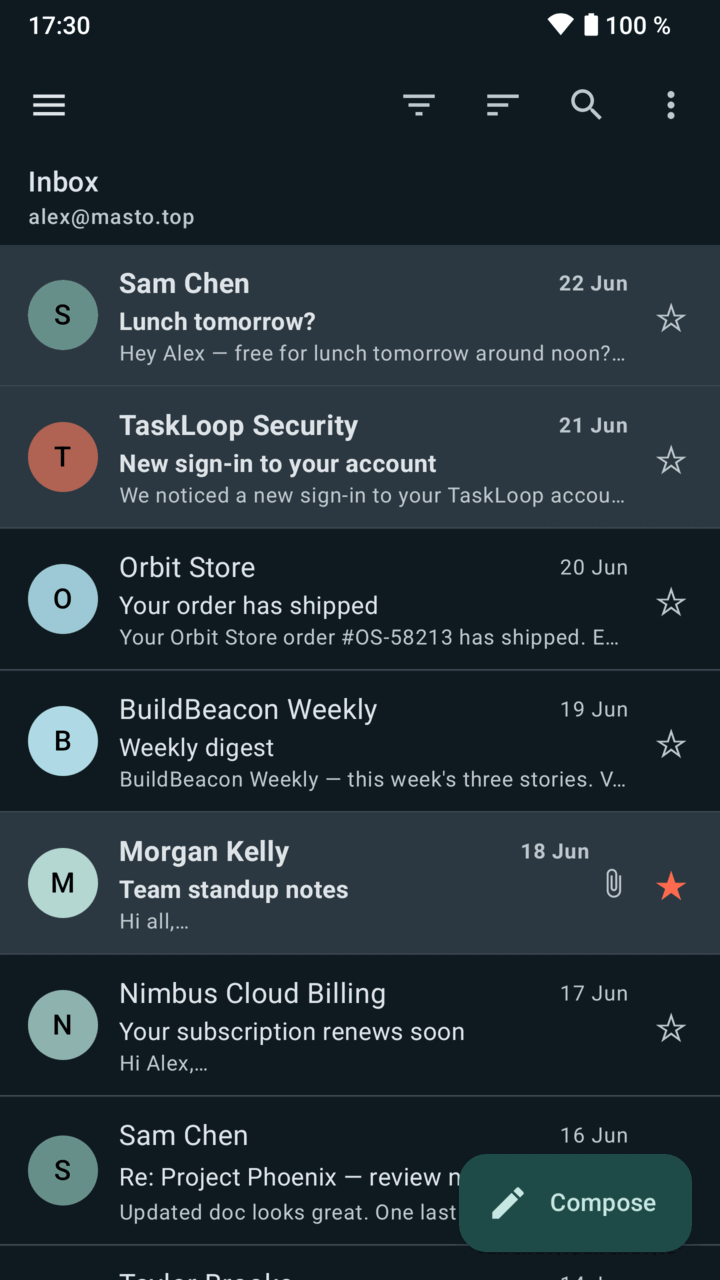
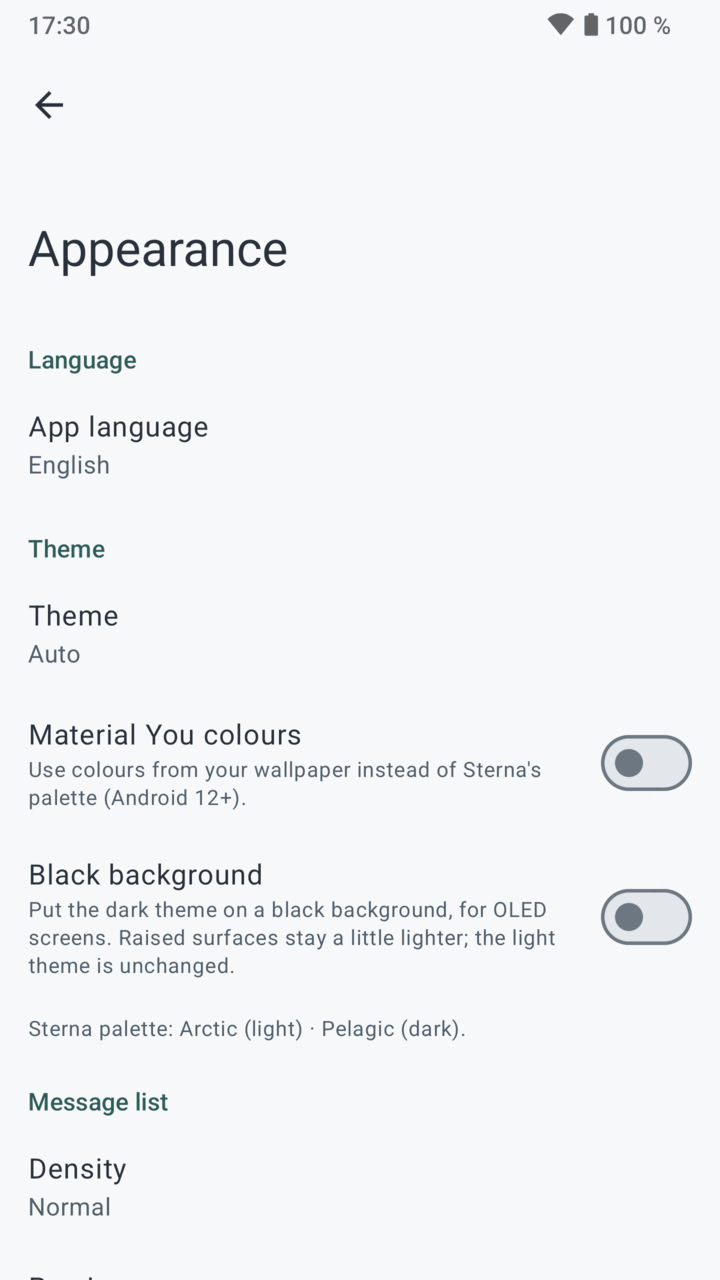
Light and dark, both at home
Install
Put it on your phone
F-Droid
The easy way. Install it from the F-Droid app or its website, and updates arrive on their own.
Direct APK
Download the latest release, open the file on your phone, and allow installation from your browser.
Signing certificate, SHA-256
cf2d007f7bfa44e08e20943de4fe17fb0873707fd759d6db9cadb1f4b2aaedc4